Adaptica 2Win Settings Update
In case your 2WIN unit shows the message “Settings Update needed”, it means you need to update its settings file. To do that, please follow these simple steps:
- Insert the serial number of your unit in the form,
with the format 2WIN-XXXXXXX - Press download button to get the calibration file
- Wait for its download
- Copy that file, named Calibration.conf, on your microSD card
- Insert the microSD card in your 2WIN unit
- Power on the 2WIN
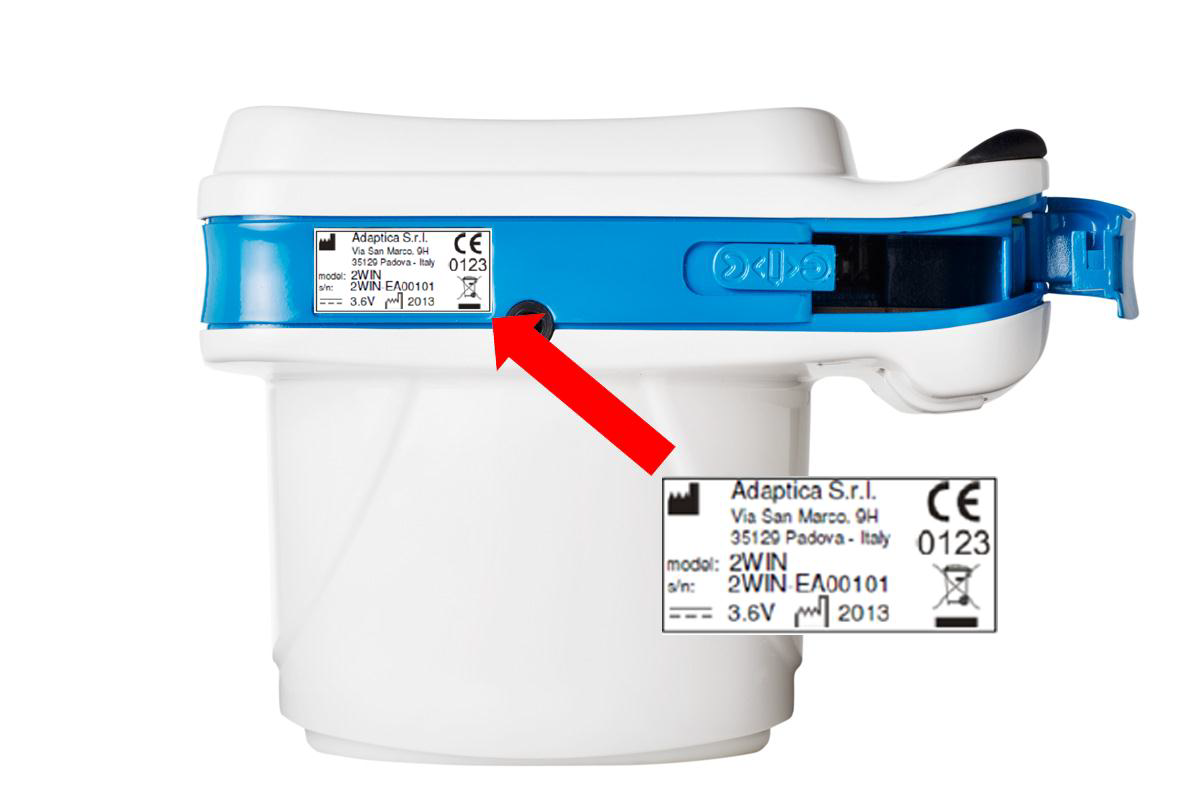
If you still get the message “Settings Update needed”, please check the correct insertion of the serial number and, in case, try again.
Otherwise, please contact Adaptica at support@adaptica.com